Troubleshooting: slow, flickering, jagged or too big
Fixes for common problems: slow first run, flickering cut-outs, leftover background, jagged GIF edges, files that are too big, videos that won't open.
The first run is slow
The first time, your browser downloads the AI models. After that they're stored, so GifNoBg starts much faster. Long or 4K clips also take longer — trim to the part you need first.
Bits of background are left, or part of the subject is missing
Choose Remove or Add and tap that part — see Tap to add or remove. For a single frame, use Fix a frame.
The outline flickers
Switch on Advanced and make sure Steady between frames is ticked under Background. An outline style also hides small changes at the edge.
There's a coloured fringe around the edges
In Advanced → Background, move Edges towards Tighter. On a green screen or plain wall, turn on backdrop assist or raise Colour spill — see green screens.
GIF edges look jagged
GIF pixels are either fully see-through or fully solid. Add an outline, set Best on to Light or Dark in Advanced → Export → Custom, or download a WebP or APNG. See GIF, WebP or APNG.
I can't see the shadow
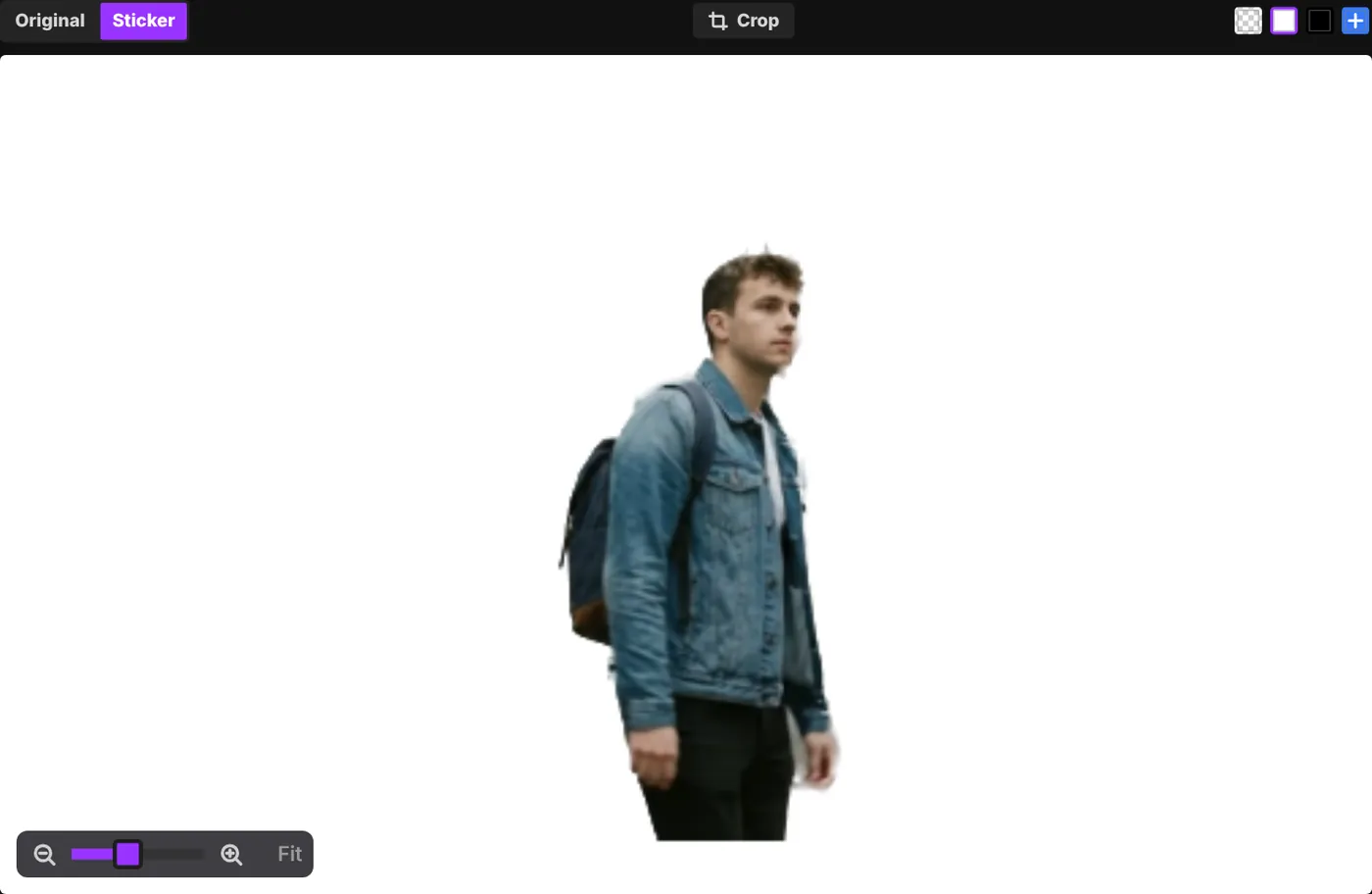
A dark shadow is hard to see on the dark checkerboard. Switch the preview to white with the swatches above the sticker.
The file is too big
Trim it shorter, skip frames (Every 2nd under the timeline), lower the width or frame rate, use fewer colours, or crop to the subject. More in making the file smaller.
My video won't open
- GifNoBg opens anything your browser can play: usually MP4, MOV, WebM and GIF.
- Limits: up to 500 MB, 10 minutes and 4K. A sticker can be up to 30 seconds.
- Some iPhone videos (HEVC) don't play in every browser on Windows or Android. Try Safari or Chrome, or export the video as MP4 (H.264) first.
The page stopped or my phone got hot
Very long or large clips can be too much for some devices. Trim the clip, lower the size, and close other tabs. On a computer, try Use the GPU under Advanced → Export → Performance.
Still stuck?
Use the Contact form and tell us your device, browser and what happened. We read every message.