Send your own animated GIF sticker in Microsoft Teams
Make a transparent animated GIF from a video and share it in a Microsoft Teams chat or channel, on computer or phone.
Teams has its own GIF search, but you can also share your own GIF made with GifNoBg: a reaction of your team, a product, your pet.
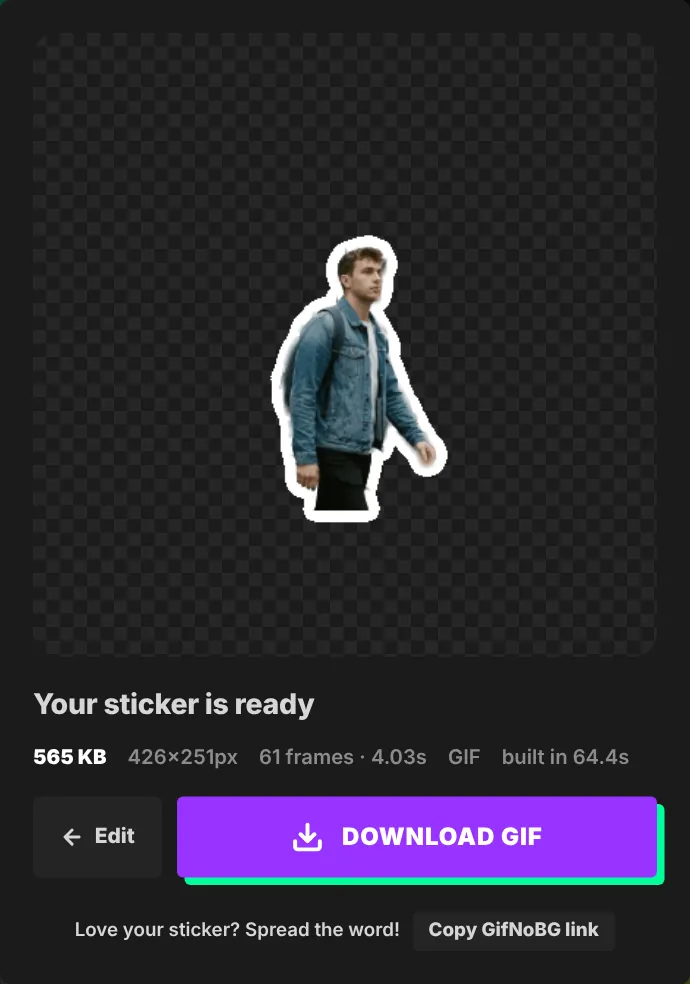
- Make your sticker at gifnobg.com, press Download sticker and choose Just a GIF.
- In a Teams chat or channel, select Attach file (in the actions menu under the message box) → Upload from this device, and pick the GIF.
- Send it. Teams shows a preview of the picture in the conversation.
Your organisation's Teams settings decide what can be shared, so if GIFs or uploads are turned off, ask your IT admin. Keep the GIF small (a few seconds) so it loads quickly for everyone.
Microsoft's help: send a file or picture in Teams.

Try it with your own videoFree, no sign-up, no watermark — and your video never leaves your device.
Make a sticker