Make a Telegram sticker with a transparent background
Turn a moment from any video into a transparent Telegram sticker: GifNoBg removes the background, then add it with Telegram's @Stickers bot.
Telegram stickers are added with Telegram's own @Stickers bot. GifNoBg makes the transparent picture; the bot turns it into a sticker pack you can share.
What Telegram accepts
- Still stickers: PNG or WebP with a transparent background, 512 pixels on one side, up to 512 KB.
- Video stickers: WEBM video (VP9), 512 pixels on one side, up to 3 seconds and 256 KB.
GifNoBg doesn't make WEBM video yet, so Telegram stickers from GifNoBg are still stickers. If you send a GIF in a Telegram chat instead, Telegram turns it into a short video and the transparent background is lost.
Make the sticker
- Open your video at gifnobg.com and let the AI remove the background.
- Move the playhead to the frame you like best.
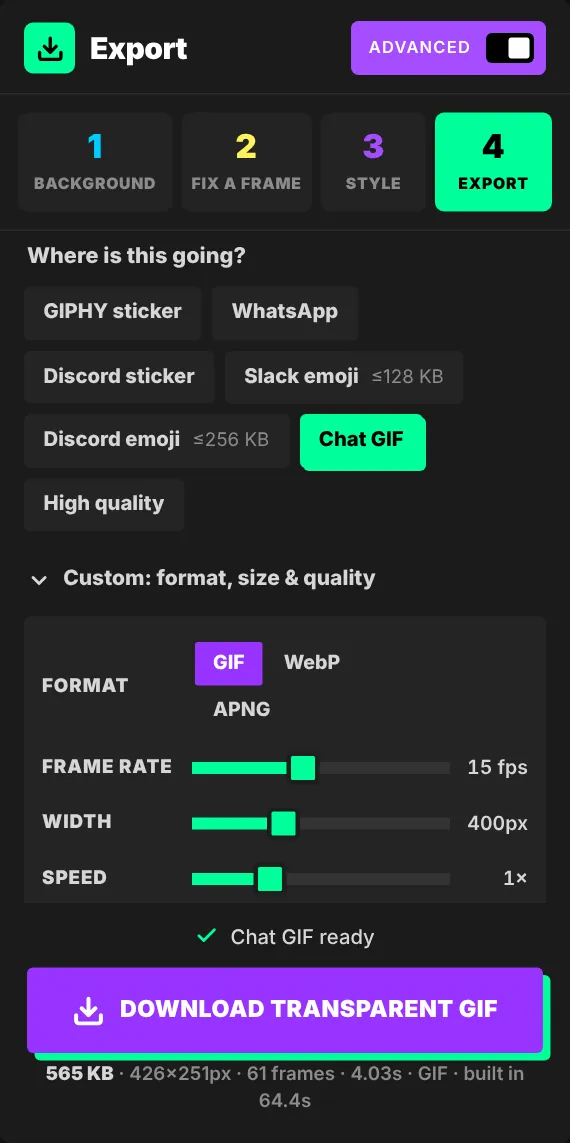
- Switch on Advanced, open Export → Custom and choose PNG of this frame. You get a transparent PNG.
- If needed, resize it so the longest side is 512 pixels (most phones' photo editors can do this).
Add it to Telegram
- In Telegram, open a chat with @Stickers (Telegram's official bot).
- Start a new sticker pack and follow the bot's messages: send your PNG as a file (not as a photo, which would lose the transparency), then pick an emoji for it.
- Publish the pack and give it a short name. You can add more stickers to it any time.
Telegram's rules: sticker requirements.

Try it with your own videoFree, no sign-up, no watermark — and your video never leaves your device.
Make a sticker